MagicSoft professional solutions for  playout and  graphics

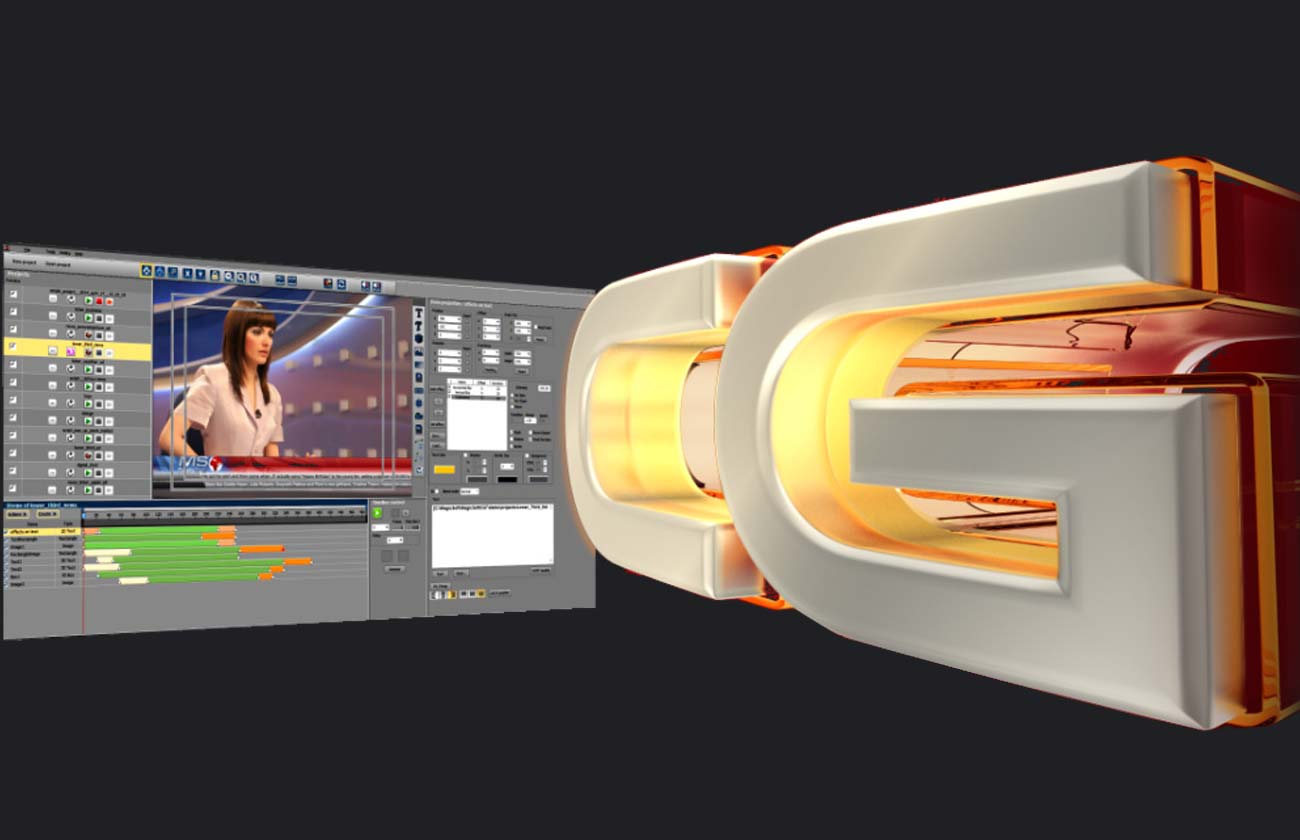
Playout screenshot

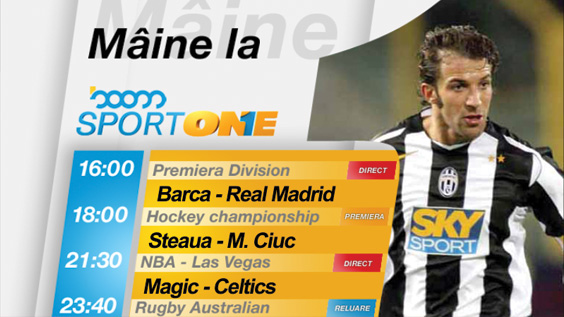
CG and Graphics for SD & HD

Simultaneous managing multiple projects
Modifications can be made in preview before sending On Air
All SD and HD resolutions and frame rates are supported
Works with all Blackmagic's DeckLink and Intensity cards
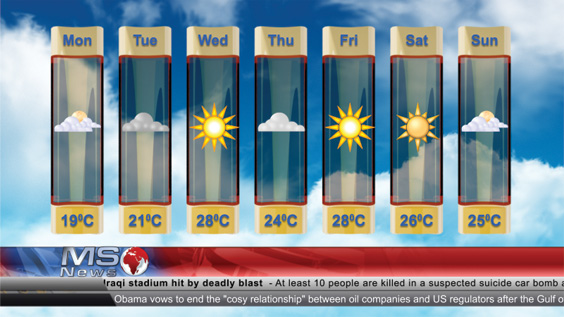
Tickers can be updated by editing text files (UNICODE)
Both internal and external keying mode are supported


  Intro

  Hardware specs

  Samples

  FAQ


downloads.html


software screenshot MagicSoft Cg ver 4.1

Support for Xp, Vista and Windows 7
Enhanced user interface more ...
Real-time text effects more ...
On the fly adjustable ticker speed more ...
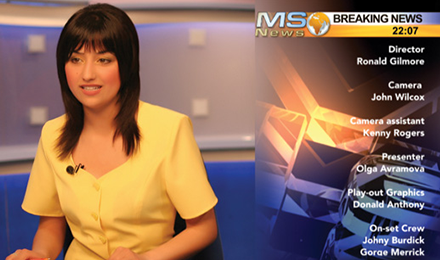
Lower Thirds with dynamically assigned images more ...
Support for 16/9 modes in PAL and NTSC
Auto-Fit option for text more ...
Enhanced quality for text
Option to shrink text
Draw trajectory of an animated item in preview
Unicode UTF-8 TCP/IP protocol
software screenshot Extra Keyboard (free application)

   This application allows you to map multiple commands on each button in order to manage projects and content of the text and images.
  A powerful wizard will help you to make this only by mouse clicking.
  This application also supports X-Key external keyboard


software screenshot RSS (free application)

   With our free RssToTxt program you can manage the news from a RSS feed and by saving as Unicode text files you can display them using a ticker project
   Latest version adds some function to find and replace strings, convert upper/lower ...

software screenshot Scheduler (free application)

This application can run scheduled commands for the CG at a previous specified time.

software screenshot GPI (free application)

GPIClient converts a serial port to a GPI IN device. Commands can be map for contact on and contact off separately .


INTRO

Description


MagicSoft CG is an broadcast solution that can handle simultaneous previewing, creating, displaying and controlling projects for logo,ticker, crawls, image sequences, analog and digital clock etc
The software runs on Windows XP sp2 and uses an nVidia video card for real-time rendering
Works with DeckLink or BlueFish444 card
The signals you can work with may be SD or HD, analog or digital, and the keying may be internal or external
Broadcast quality

MagicSoft CG has a GPU-based rendering engine that supports all SD and HD modes
The graphics is 24 bit (TrueColor) with 8 bit alpha channel (256 transparency levels)
The engine offers Antialiasing for TrueTypeFonts and Anisotropic Filtering for images profiting by GPU
3D working environment (no layers)

The objects can be animated by moveing, rotating and changing color and transparency
Objects can be dinamically moveed on z-axis eliminating the limitations of the layer oriented programs
Rendering for both Preview and On Air is made in the GPU so powerfull CPU is not needed
The key-frame concept is used to describe the characteristics in time of an object and can be used to interpolating the previous-mentioned characteristics in the time intervals between key-frames
Scripting and Automation

MagicSoft CG offers the possibility to run aplication like SMStoTV by scripting
The TCP/IP protocol allows you to controll the displaying and content of a project


HARDWARE SPECIFICATIONS


Regarding the machine to run the CG software here you have an example of configuration for SD (PAL & NTSC) :

Video Card Nvidia 9500GT
DeckLink Studio card (for SD internal/external key )
MotherBoard Intel X48/P45
Processor Intel E7400
Ram Memory 2 X 1GB


For HD configuration use a Nvidia 9600GT and a proper HD DeckLink card


SAMPLES
(click on pictures to download the .wmv files)


3D Lower-Third
Sms Game
Bumper 3D Effect
Chat
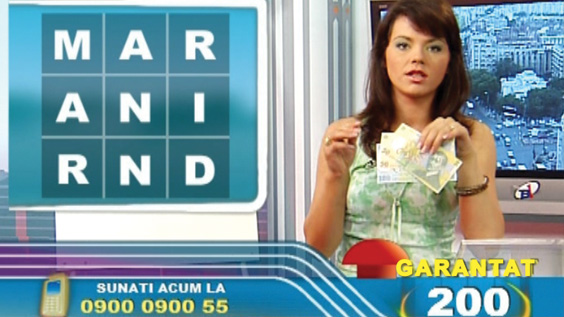
Call TV Show
Sms Game
Ticker & SMS Game
SMS Game
Call TV Show

FAQ


What are the primary benefits of MagicSoft CG ?

MagicSoft CG creates a 3D working environment using a GPU based 3D engine with low requirements for processor and the rest of the PC.

Are MagicSoft CG products available in analog and serial digital input/output ?

Yes. MagicSoft CG work with all Decklink cards in Keying mode and , as example, with Decklink Studio you can have SDI input and composite/YUV output.

How about licensing ?

MagicSoft CG SD is the basic license and allows you to work with unlimited tickers, logo, lower thirds, clock plus scripting for SMS games and UTF-8 TCP/IP protocol.
The HD option can be purchased from the start or as upgrade.
The license is bound in a dongle USB key , so you can move the instalation to another computer without problems.

MagicSoft CG offers a preview while having a project On Air ?

Yes. You can preview and adjust projects on your computer screen before sending it On Air.

Do MagicSoft CG products support external commands?

Yes. We have a very flexible TCP/IP protocol that allows you to control the projects content and status

There is support for animations in MagicSoft CG ?

Yes. The animation concept works on 3Dtext, animated sequences , clock , lower thirds and to make them MagicSoft CG offers a system of keyframes wich is applied for movement , rotation , color and transparency ( please see the examples and tutorial from download section )

For longer image sequence there is a possibility to compress the images ?

Yes. We the .dds compression is supported and has a 4:1 compress ratio.
In the installer package there is a free additional program for converting .tga to .dds.

How many more layers/objects can MagicSoft CG sustain?

MagicSoft CG it is not limited on working with layers.
Beeing a full 3D environment with ortho projection it gives you the possibility to freely move the items.
As for performance , in HD using a nVidia 9600GT card and an Intel Core2 Duo 2.5GHz processor you can have 3-4 tickers with animated smileys, several lower-thirds and rolls and as many graphic sequens that is allowed by the RAM memory capacity


Home | PlayOut | CG | Download | Contact
MagicSoft. All rights reserved. 2004-2009